AudioBinder
Not checkedby Daniel Baughman
Turns your audio files into chaptered M4B audiobooks with metadata and cover art, and can publish the book straight to a Yoto MYO playlist.
by bbenkle (opens in a new tab)
Splits audiobook files into individual chapter tracks and uploads them directly to your Yoto player as a ready-to-play Make Your Own playlist.
Nobody has tested this app yet
A native macOS app that splits audiobook files into individual chapter tracks and uploads them directly to your Yoto player. Chapters are found using embedded metadata, silence detection or custom timestamps, and you can also batch-split several audiobooks or upload a folder of audio files as a playlist.
Each chapter gets a colour-coded pixel art icon generated on your Mac. Splitting and icon generation stay on-device and the upload to Yoto only happens when you start it; there are no analytics, telemetry or third-party services. A Windows 10/11 version is also available.
YotoBookMaker only works with DRM-free audio; files protected by FairPlay or other DRM are detected and rejected. It is an independent, community-built tool, not affiliated with, endorsed by or supported by Yoto Limited.
The maker hasn't told us whether this app uses AI. Treat it as unknown.
Follow "Go to maker's page" (macOS app (Windows version available)) and follow the maker's instructions.
These come from the maker's public pages. A maintainer hasn't tested them.
Is this your app? Claim this listing
by Daniel Baughman
Turns your audio files into chaptered M4B audiobooks with metadata and cover art, and can publish the book straight to a Yoto MYO playlist.
by Tom Barrasso
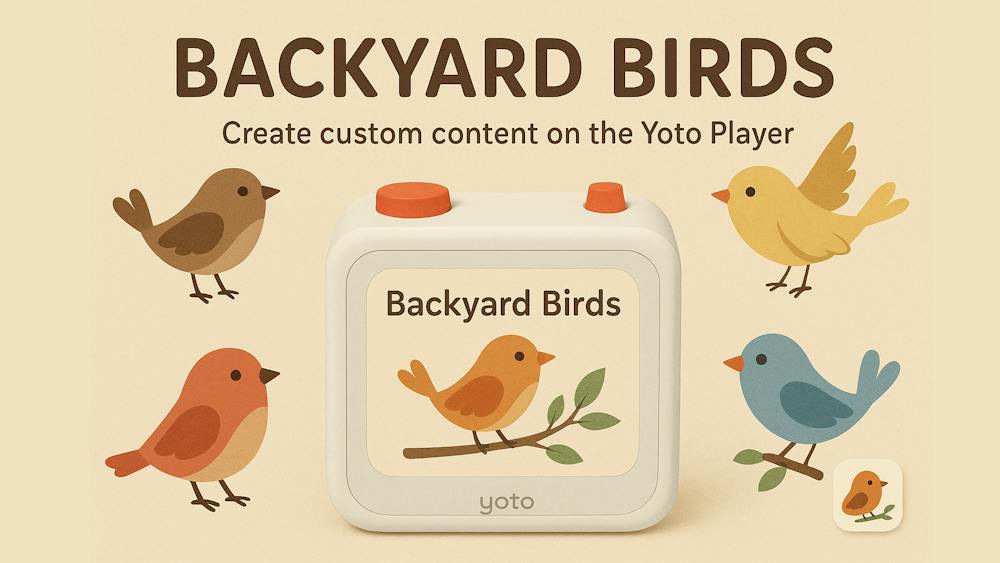
Generates a personalised Yoto card for birds recently sighted near you, with stories, icons, bird songs and more.
by Jacquelyn Keller
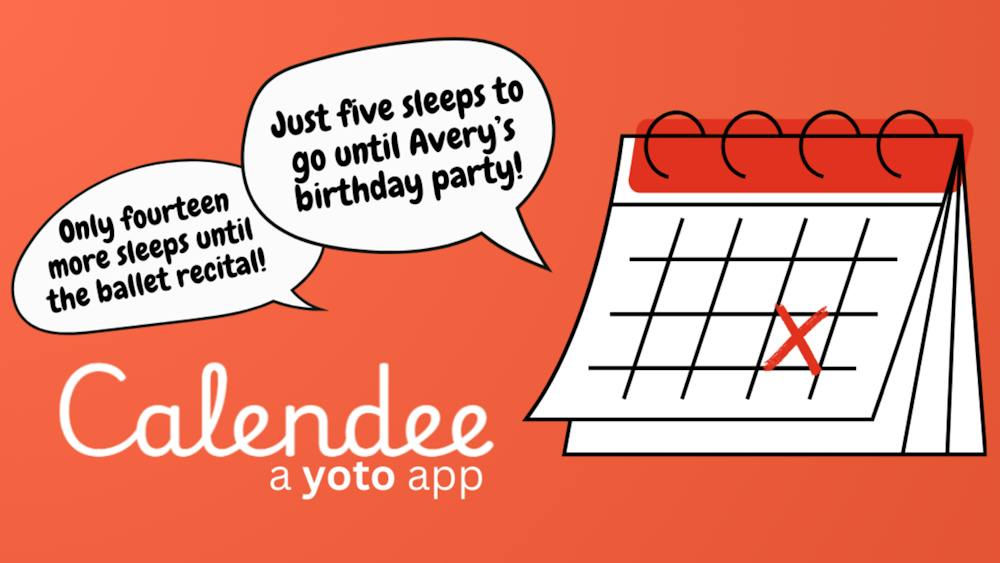
Turns important dates into countdowns kids can hear on their Yoto player, counting down the sleeps until birthdays, holidays and more.