AudioBinder
Not checkedby Daniel Baughman
Turns your audio files into chaptered M4B audiobooks with metadata and cover art, and can publish the book straight to a Yoto MYO playlist.
by David Stefanides (opens in a new tab)
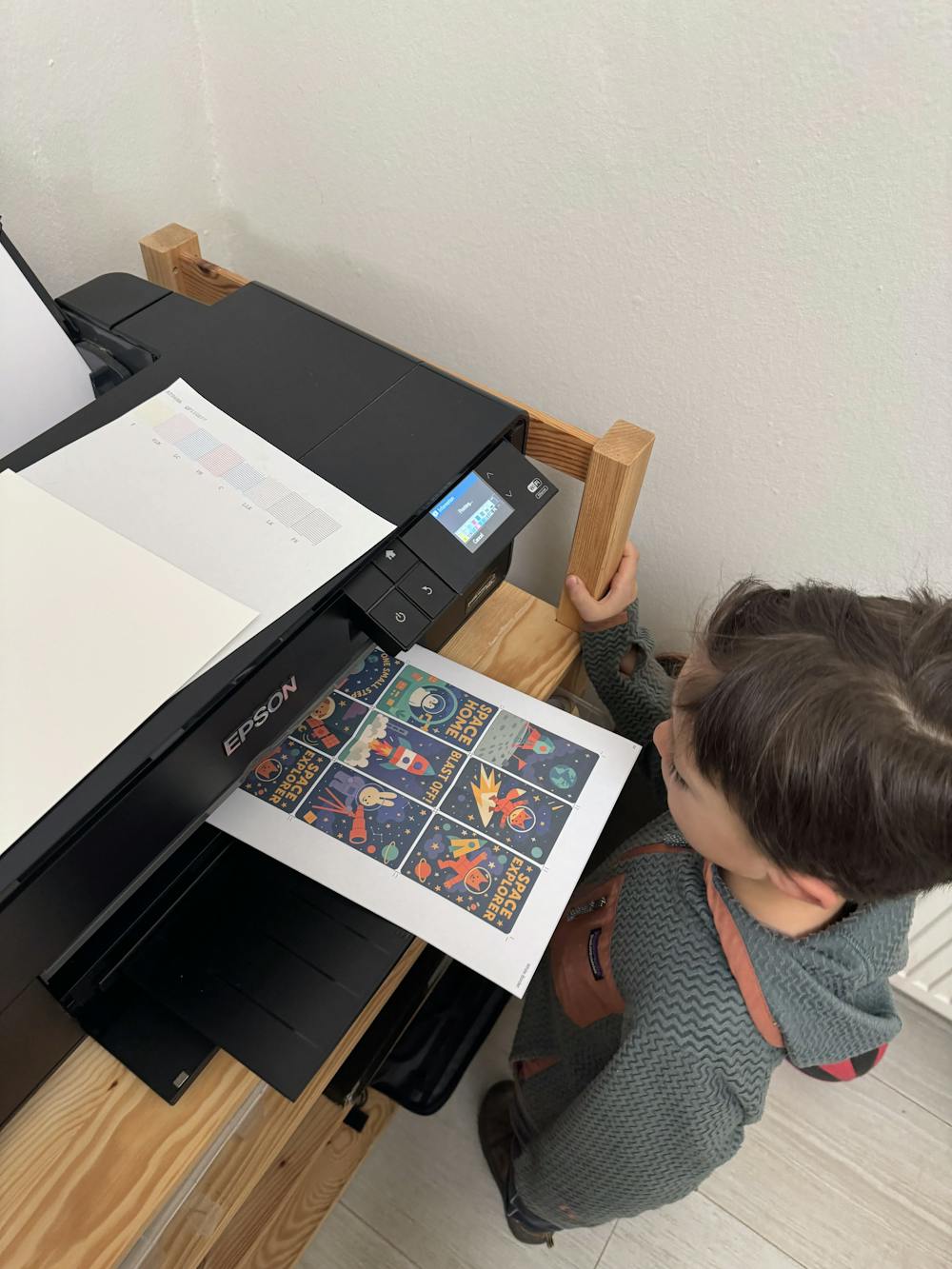
Upload any image and it auto-crops to Yoto card size, then download a print-ready PDF label for your MYO cards.
Nobody has tested this app yet
Built by a parent-designer because his kids could not tell plain white MYO cards apart and every existing template needed fiddly manual sizing. Upload an image, it is cropped to Yoto card size, preview it, then download a PDF formatted for A4, US Letter or photo printers. Optional templates give a starting point.
Everything runs in the browser: the site states images never leave your device and no account is needed. The site also offers guides on card size and templates, a Canva template and a community showcase.
The maker hasn't told us whether this app uses AI. Treat it as unknown.
Follow "Go to maker's page" (Web app) and follow the maker's instructions.
These come from the maker's public pages. A maintainer hasn't tested them.
Is this your app? Claim this listing
by Daniel Baughman
Turns your audio files into chaptered M4B audiobooks with metadata and cover art, and can publish the book straight to a Yoto MYO playlist.
by Jacquelyn Keller
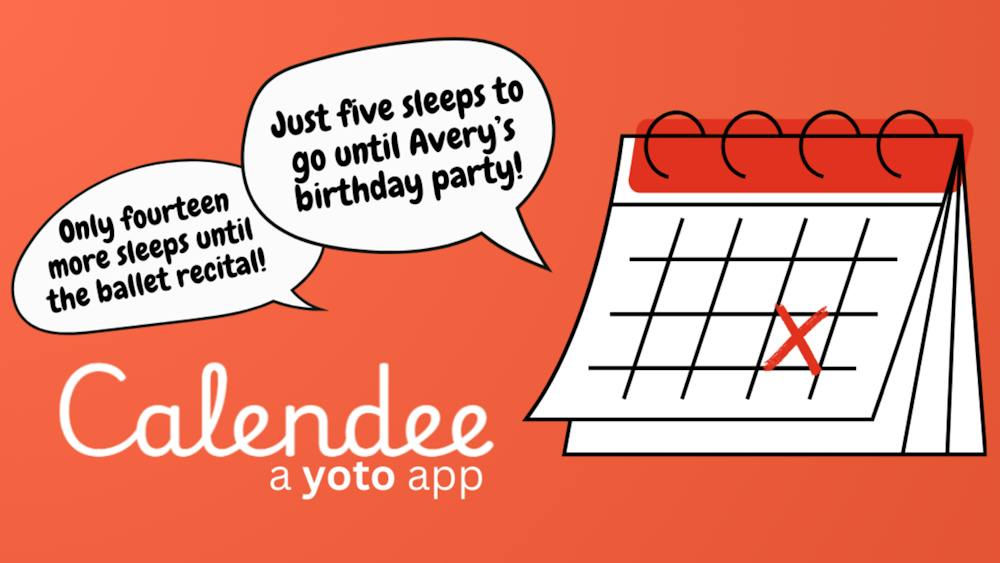
Turns important dates into countdowns kids can hear on their Yoto player, counting down the sleeps until birthdays, holidays and more.
by CardCraft
A family creation studio for recording, editing, games, pixel art and publishing to your Yoto content, with family members recording from their own phones.