AudioBinder
Not checkedby Daniel Baughman
Turns your audio files into chaptered M4B audiobooks with metadata and cover art, and can publish the book straight to a Yoto MYO playlist.

by Ashworth Digital Ltd (opens in a new tab)
Adds a suite of new features to the Yoto MYO creation pages on my.yotoplay.com to make creating make your own playlists easier and faster.
Nobody has tested this app yet
MYO Studio is a Chrome Extension that adds new blue buttons to the Yoto Make Your Own pages at my.yotoplay.com/my-cards. Highlights include searching icons by keyword, selecting icons directly from YotoIcons.com, printing cover art from your library or the Yoto Store, and combining playlists by importing tracks from existing ones.
Other features listed by the maker are auto-numbering tracks, random icon assignment, AI-powered icon suggestions, smart filtering and sorting, downloading MYO tracks and playlists for backups, cover art suggestions and print helpers, auto-save, multi-track icon select and move, and importing MYO Studio ZIP archives.
To install, open the Chrome Web Store page and click Add to Chrome. The maker states the extension does not store any user or player data, only caching the access token used to access the API.
From the maker's public pages
Suggests icons for tracks with AI.
Follow "Go to maker's page" (Chrome extension) and follow the maker's instructions.
These come from the maker's public pages. A maintainer hasn't tested them.
Is this your app? Claim this listing
by Daniel Baughman
Turns your audio files into chaptered M4B audiobooks with metadata and cover art, and can publish the book straight to a Yoto MYO playlist.
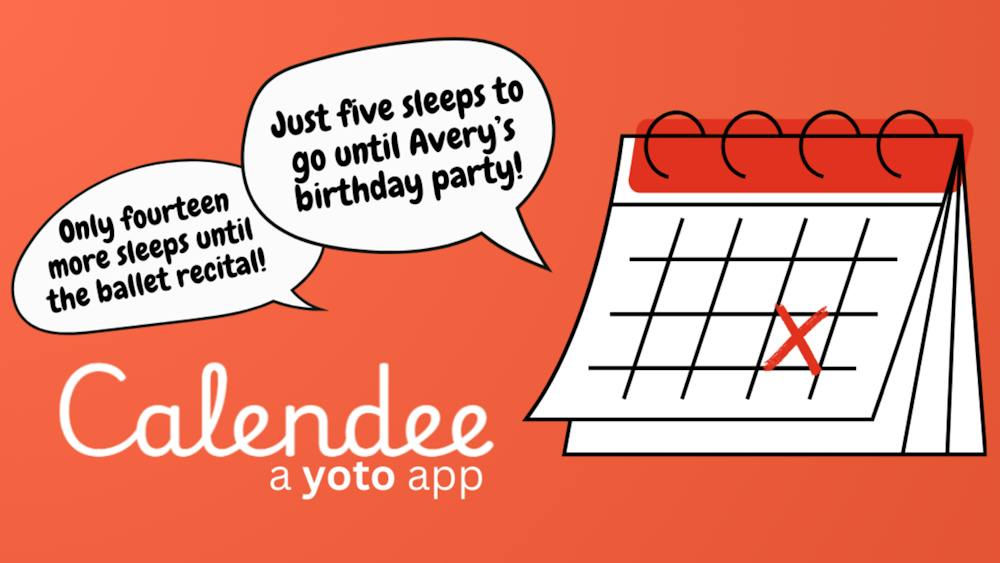
by Jacquelyn Keller
Turns important dates into countdowns kids can hear on their Yoto player, counting down the sleeps until birthdays, holidays and more.

by CardCraft
A family creation studio for recording, editing, games, pixel art and publishing to your Yoto content, with family members recording from their own phones.